
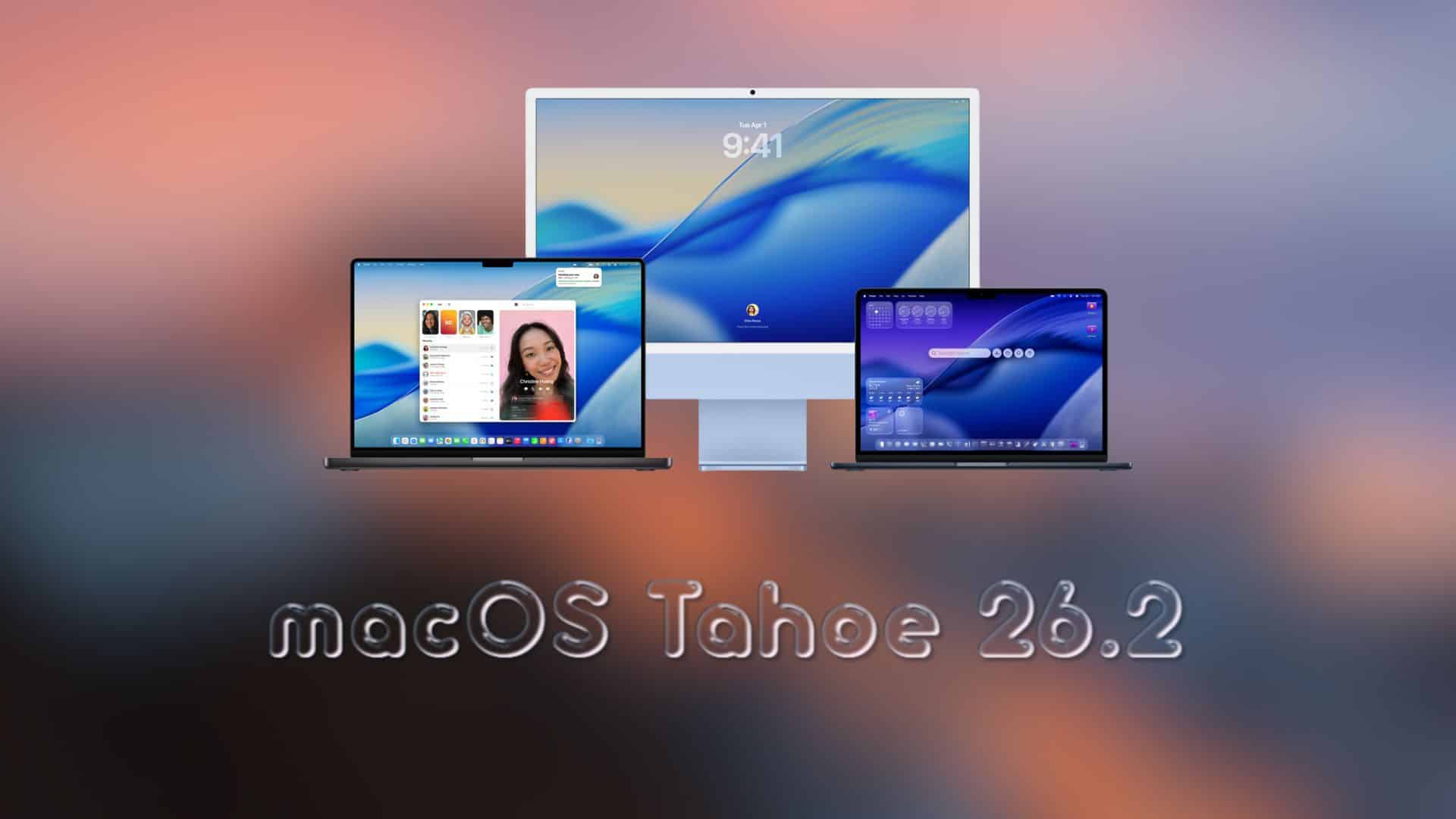
Apple has started rolling out macOS Tahoe 26.2 to everyone. Apple seeded macOS 26.2 RC (build 25C56) earlier this month, and that same update is now available publicly through Software Update.
If you were already on the Release Candidate, you may not see a new download, since the public build matches the RC.
How to update to macOS 26.2
- Open System Settings
- Click General
- Click Software Update
- Choose Update Now or Upgrade Now
- Keep your Mac plugged in and connected to Wi-Fi until it finishes
What’s new in macOS 26.2
- Edge Light: A video effect that uses your display to light your face during calls in low light
- Podcasts updates: Easier navigation with auto-generated chapters and better discovery of podcasts mentioned in episodes
- Games improvements: New filters in your library and wider controller support
- AirDrop verification: Extra confirmation when sharing with unknown contacts
- Freeform tables: Tables that support text, images, documents, and drawings
macOS 26.2 major changes

The headline feature is Edge Light. It works like a virtual ring light and brightens your face during video calls when the room lighting is poor. You can adjust how it looks, and it pulls back automatically when you interact with content near the screen edges.
Don’t miss the best of The Mac Observer
Set us as a preferred source and our Apple reporting ranks higher in your Google Search results and Discover feed — one tap, no account changes.
Apple has also refined its core apps. Podcasts feel more organized for long listening sessions, while Games offers cleaner sorting options that make large libraries easier to manage.
If you have installed macOS 26.2 already, let us know what you noticed first in the comments.




Why does the home screen have a photo, calendar, and temperature showing. Don’t like it.