
Apple Wallet IDs are live in 16 states and Puerto Rico. Utah, Kentucky, and North Carolina are next, but only one has a public launch window.
iPhone
iPhone-related tips and news for everyone interested in Apple’s iPhone or looking to make your iPhone experience even better.

Tap to Pay on iPhone remains live across eight added European markets
Tap to Pay on iPhone remains available in eight European markets added in May 2025, with local payment-provider support varying across each country.
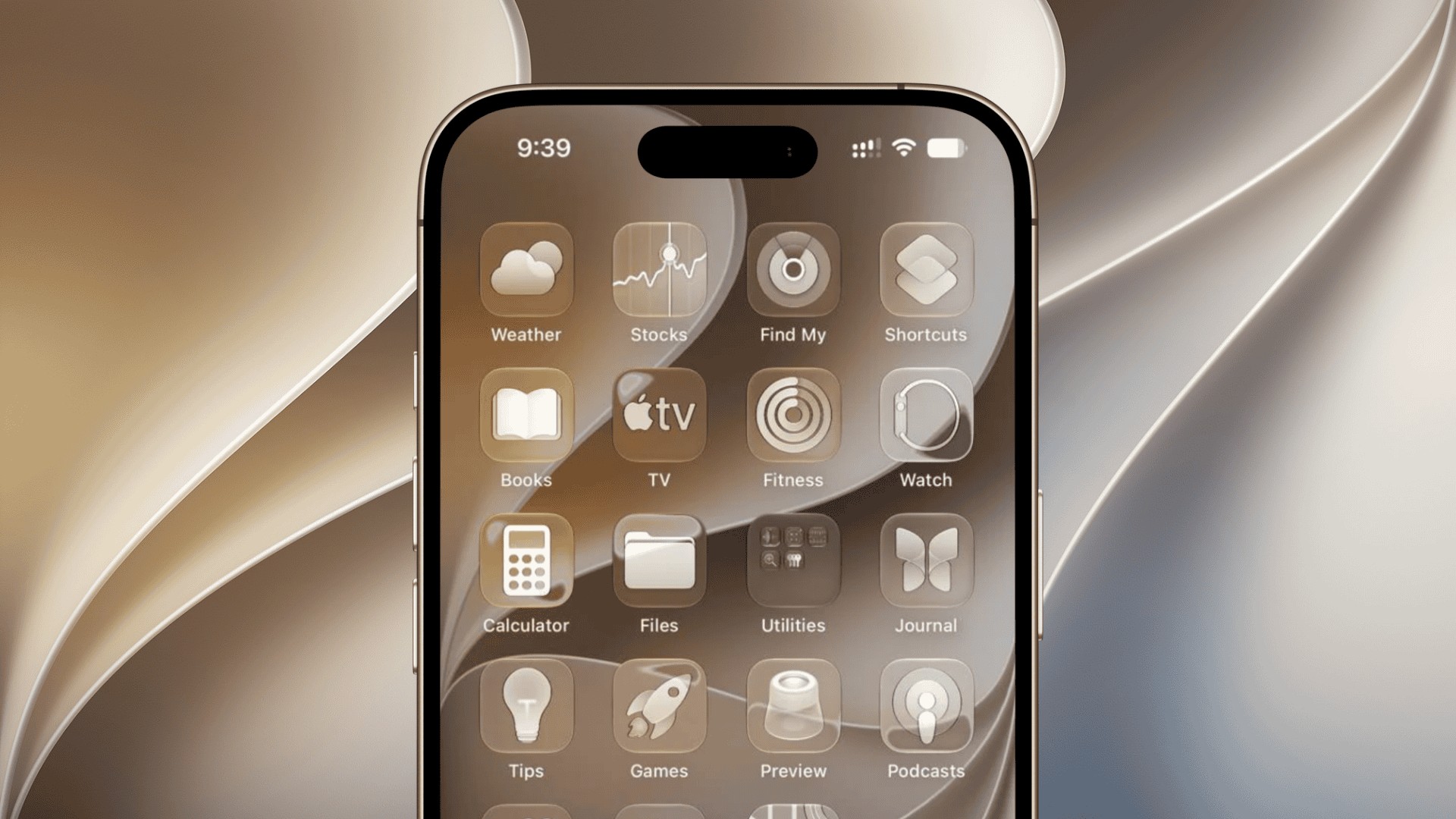
iOS 27.2 beta 2 shows Apple is still building an anti-snatching lock
New iOS 27.2 beta 2 code shows Apple is still developing AutoLock, an unannounced iPhone feature designed to react when a phone is snatched.
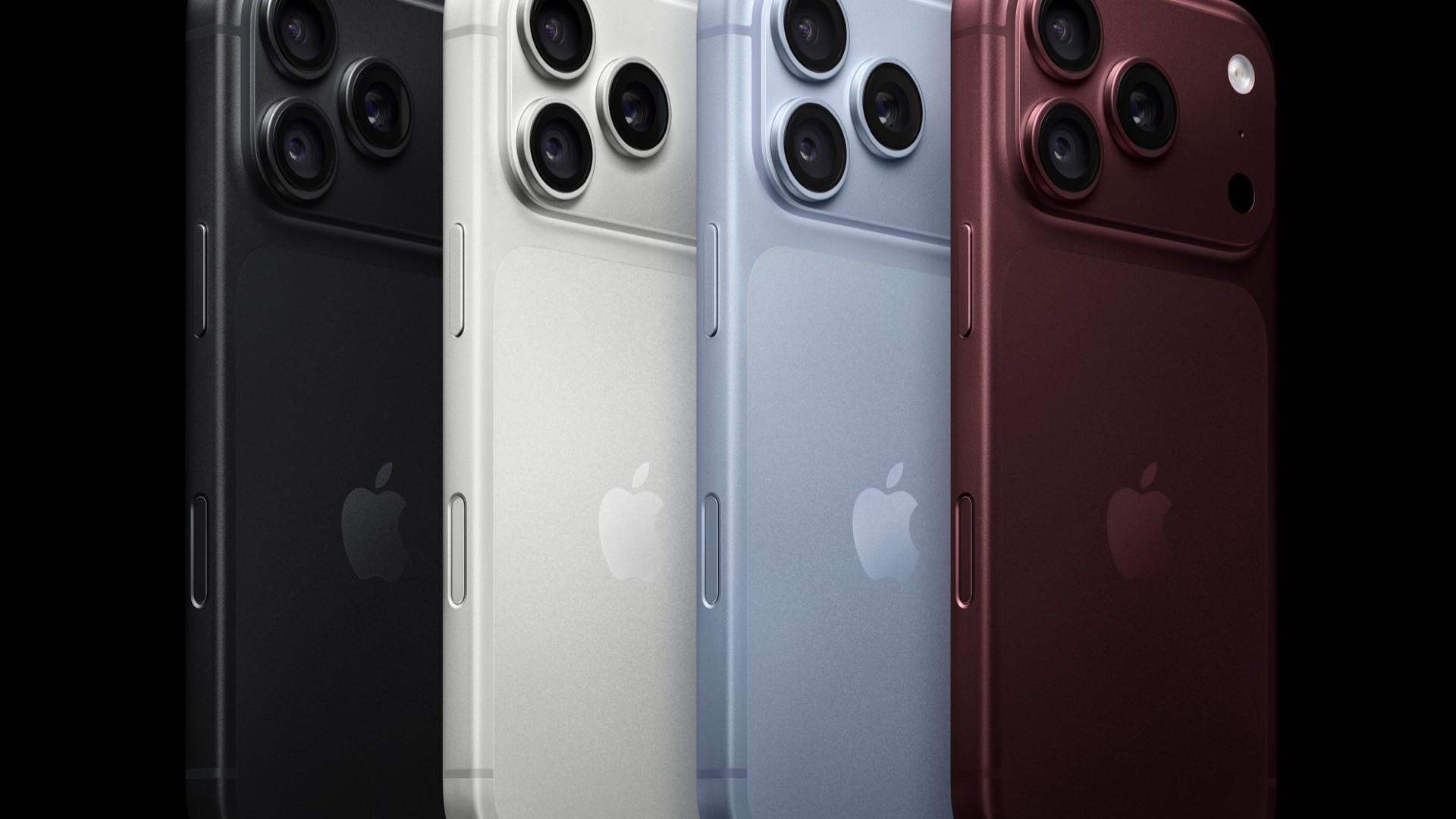
iPhone Pro could lose its OLED polarizer in 2029, report says
Apple may bring polarizer-free CoE OLED displays to iPhone Pro and Pro Max in late 2029, following its first use in the foldable iPhone Duo.

Apple closes the iOS 26 downgrade window for iOS 27 users
Apple has stopped signing iOS 26.6.2, closing the normal downgrade path for iPhone users who installed iOS 27 and now want to roll back safely.

iCloud storage glitch leaves a red Settings badge stuck on iPhone
An iCloud storage notification glitch is leaving a red Settings badge on some iPhones, even when users already have an active paid storage plan.

Apple Releases iOS 27.2 beta 2, Here's What You Need to Know
Apple has released iOS 27.2 beta 2 with build 24B5089g for developers, while its current notes list ATT, Health, Shortcuts, and StoreKit items.

How to link to a specific section of a note in iOS 27 Notes
In iOS 27 Notes, a link can point to one section of a note instead of the whole note. Place the insertion point or select some text, tap the Forward button, tap Add Link, then tap Link to Section and pick the section. iPhone 18 Pro seen from the front and back. Image: Apple That…

How to save a still frame from a video as a photo in iOS 27 Photos
In iOS 27, the Photos app can turn a single frame of a video into a photo. Play the video, pause on the moment you want, tap the More button, then tap Save Video Frame as Photo. A sample photo from the 48MP Fusion main camera on iPhone 18 Pro. Image: Apple Apple gives the…

How to use Studio Sound in iOS 27 Voice Memos for cleaner recordings
To clean up a voice recording in iOS 27, open it in Voice Memos, tap the More button, tap Options and turn on Studio Sound, then drag the slider to set the strength. Apple says Studio Sound “adjusts the levels of background sound and reverb in a Spatial Audio recording, so a recorded voice sounds…

iPhone asking you to confirm you're an adult: Here's what Apple accepts
If your iPhone asks you to confirm that you’re an adult, Apple accepts a credit card that belongs to you or a scan of your ID. Debit cards and gift cards don’t work, and you can check where you stand in Settings under your name > Personal Information > Age Confirmation. iPhone 18 Pro. Setting…
iCloud Photos Sync Immediately in iOS 27: Here's what it does and when it pauses
Sync Immediately tells iCloud Photos to prioritize uploading the photos and videos you add after you turn it on, and it switches itself off after one day. You find it in Photos: tap Collections, tap your iCloud account profile, tap Sync Immediately, then tap For Today. A sample photo from the 48MP Fusion Main camera…
How to rate photos with stars and add keywords in iOS 27 Photos
Photos in iOS 27 lets you rate photos and videos from 1 to 5 stars and tag them with your own keywords, then filter or search your library by either. Ratings start with one switch: open Photos, tap Collections, tap your Apple Account profile, and turn on Show Ratings Controls. A sample photo from the…
How to show your front and back cameras at once in a FaceTime call
On an iPhone 17 or later running iOS 27, you can share both cameras in a one-on-one FaceTime call, so the other person sees your face in a small window over whatever your rear camera is pointed at. During the call, tap your own tile, then tap the Flip to Back Camera button, and both…

How to resize a widget on your iPhone Home Screen without deleting it
A widget that is the wrong size can be fixed where it sits. Touch and hold it on the Home Screen, choose a different widget size from the menu that appears, and the widget changes in place. No removing it, no hunting through the widget gallery to add it again. iOS 27 and iPadOS 27.…

How to pin your most-used camera tools above the frame in iOS 27
In iOS 27 you choose which controls sit above the camera frame. Tap the Camera Controls button, tap Edit, then tap any tool to pin it there, and tap Reset to Essentials when you want the original layout back. A sample photo from the 48MP Fusion Main camera on iPhone 18 Pro. Image: Apple Out…
iOS 27.2 beta code shows a China-only erase that overwrites the whole drive
Beta code in iOS 27.2 points to an erase that overwrites an iPhone’s whole drive in China, tracking a mandatory standard that takes effect in 2027.
Find My in iOS 27 can pause location sharing with just one person
Find My in iOS 27 has a middle setting between sharing your location with a friend and cutting them off. Open the person’s card in the People list, tap the More button, then tap Hide Location, and sharing with that one person pauses while everyone else keeps seeing you. iOS 27 and iPadOS 27. Image:…
Safari's text size control is now Page Zoom in iOS 27, here's where it is
The way you enlarge a hard-to-read website in Safari has moved. In iOS 27 the large A and small A controls sit behind a Page Zoom item, one tap deeper than before, and Apple’s guide now files them under the heading “Make the content larger or smaller for a website”. The four iPhone 18 Pro…
Connectivity Assist replaced Wi-Fi Assist in iOS 27 and moved to Wi-Fi settings
If your iPhone started leaning on cellular data after the iOS 27 update, the switch you remember turning off has a new name and a new address. Wi-Fi Assist is gone as a setting, replaced by Connectivity Assist, and the toggle now sits in Settings > Wi-Fi instead of at the bottom of Settings >…

How to search, sort, and filter a show's episodes in iOS 27 Podcasts
If a show you follow in Podcasts seems to be missing older episodes, check the filter first. Apple’s iOS 27 guide says a followed show is filtered to Unplayed episodes by default, so anything you’ve finished drops out of the list until you remove that filter or search for it. iOS 27 and iPadOS 27.…

Siri AI and third-party apps: Apple names WhatsApp, Audible, and Outlook
Apple’s September 14 Siri AI announcement names five third-party apps. It says Siri AI “already works seamlessly with apps from Apple’s vast ecosystem of developers,” pointing to WhatsApp and Audible, and says Microsoft Outlook, Notability and Tripsy are coming “soon.” Write with Siri on iPhone Duo. Image: Apple Apple gave no date for the second…

How to start Siri AI in iOS 27, including a swipe down on the Dynamic Island
With Siri AI turned on, iOS 27 gives you four new ways to start Siri on iPhone: swipe down from the Dynamic Island, touch and hold something and choose Ask Siri, take a screenshot, or switch the Camera app to Siri mode. Saying “Siri” or “Hey Siri” and holding the side button still work. The…

How to switch from Siri AI back to Siri Classic on your iPhone
iOS 27 lets you go back to the previous Siri, which Apple calls Siri Classic. In Settings > Siri, turn Siri off, turn it back on, and choose Siri Classic. Write with Siri on iPhone Duo. Image: Apple There’s no separate Siri AI switch. Turning Siri off and on again is how you pick a…